
The ultimate beginner’s roadmap to build, launch, and grow your online presence
INTRODUCTION:
Website design: Whether you’re starting a blog, launching a business, or creating a personal brand, building a website design is easier than ever — and this guide will walk you through every step from start to finish.
I personally use and recommend Hostinger for hosting. It’s fast, affordable, beginner-friendly, and perfect for anyone who wants to build a website that looks great and loads fast.
🅐. Aim: Define Your Website Design Goals
Before you choose a theme or write your first blog post, get clear on your goals:
-
- Are you starting a blog, portfolio, or online store?
-
- Who is your target audience?
-
- What kind of content will you publish?
-
- Having a clear purpose helps you choose the right tools and web design
Your website design should reflect your purpose -- Weather it's for blogging, selling products,or showcasing your work.
🅑. Buy a Domain and Hosting
Your domain name is your digital identity. Hosting is the server space where your website lives.
 I recommend Hostinger because:
-
- Free SSL certificate for security
-
- Free SSL certificate for security
-
- One-click WordPress installation
-
- 24/7 customer support
-
- Affordable plans for beginners
 Start your website with Hostinger → Join Now
🅒. Install WordPress
WordPress is the most popular website platform in the world — and for good reason. It’s flexible, easy to use, and perfect for blogs, business sites, and portfolios.
Hostinger makes it simple with automatic WordPress installation.
🅓. Choose a Theme and Customize
Pick a theme that matches your brand and audience. Look for:
● Mobile responsiveness
● Fast loading speed
● Clean design
● Easy customization options
Customize your header, footer, colors, and fonts to reflect your style.

🅔. Install Essential Plugins
Plugins add extra features to your site. Here are some must-haves:
-
- Rank Math – SEO optimization
-
- WP Rocket – Speed and caching
-
- Wordfence – Security
-
- ThirstyAffiliates – Manage affiliate links
-
- ShortPixel – Compress images
-
- UpdraftPlus – Backups
-
- Jetpack – Stats and sharing
🅕. Set Up Your Site Structure
Create a clear and user-friendly layout:
-
- Homepage
-
- Blog section (with categories)
-
- About page
-
- Contact page
-
- Privacy Policy and Disclaimer (important for affiliate sites)
-
- Use menus and widgets to guide your visitors.
🅖. Start Creating SEO-Friendly Content
Write helpful, engaging blog posts that solve problems or inspire your audience.
Tips for great content:
● Use short paragraphs and clear headings
● Include keywords naturally
● Add affiliate links where relevant
● Use visuals to break up text
● End with a call to action
🅗. Add Affiliate Links Strategically
Affiliate marketing is a great way to earn passive income.
Start with Amazon Associates and Hostinger.
Embed links naturally in your content.
For example:
“I use Hostinger to host all my websites — it’s fast, secure, and beginner-friendly.”
Test your links to make sure they work across devices.
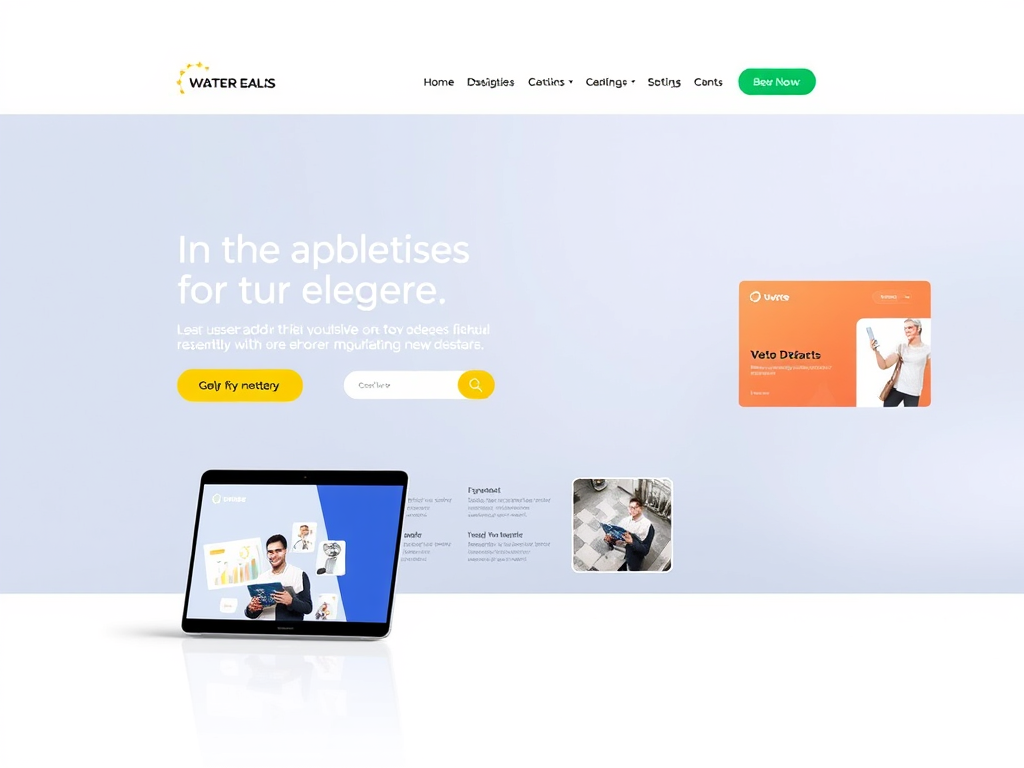
🅘. Optimize Your Images For Website Design
Large images can slow down your site.
-
- Use copyright-safe visuals
-
- Compress with ShortPixel
-
- Add ALT tags for SEO
-
- Use descriptive filenames
🅙. Connect to Google Search Console
Submit your sitemap using Rank Math.
Track your site’s performance, fix errors, and get indexed faster.
This helps Google understand and rank your content.
🅚. Make It Mobile-Friendly
Most visitors use smartphones.
Choose a responsive theme, test your site on mobile, and use lazy loading for images.
🅛. Launch and Promote
Before you go live:
-
- Test all links
-
- Proofread your content
-
- Check mobile responsiveness
-
- Submit your sitemap
-
- Share your site on social media
Celebrate your launch — your digital dream is now live!
- Share your site on social media
🅜. Monetize and Maintain
-
- Keep your site fresh with regular blog posts.
-
- Track affiliate performance, update plugins, and monitor traffic with Jetpack and Rank Math.
 Why I Recommend Hostinger
-
- As the founder of AtmaLuxi, I needed a hosting provider that was fast, reliable, and easy to use. Hostinger checked all the boxes — and it’s perfect for beginners.
Ready to build your website?
-
- Start with Hostinger and bring your vision to life.
Frequently Asked Questions
What’s the easiest way to create a website?
Use WordPress with Hostinger’s one-click setup.
Is Hostinger good for beginners?
Yes! It’s affordable, fast, and has great support.
How much does it cost to start a website?
Hostinger plans start under ₹100/month.
Can I earn money from my blog?
Absolutely! Through affiliate links, ads, and sponsored content.
 Final Thoughts
Creating a website isn’t just about tech — it’s about sharing your story, building your brand, and connecting with your audience. With the right tools and guidance, you can build a site that inspires, earns, and grows.
Useful Trust Worthy Plugings Recommendation
Hostinger
Fast, affordable, and beginner-friendly.
Hostinger makes launching your website easy with quick setup, great support, and solid performance.
Thirsty
Manage, cloak, and track your affiliate links with ease.
ThirstyAffiliates is a powerful WordPress plugin that helps bloggers and marketers organize their affiliate links, boost conversions, and keep everything tidy behind the scenes.
ShortPixel
Speed up your site with smart image compression.
ShortPixel optimizes images without losing quality—making your website faster, lighter, and SEO-friendly. Ideal for bloggers, eCommerce, and anyone who loves crisp visuals with quick load times.